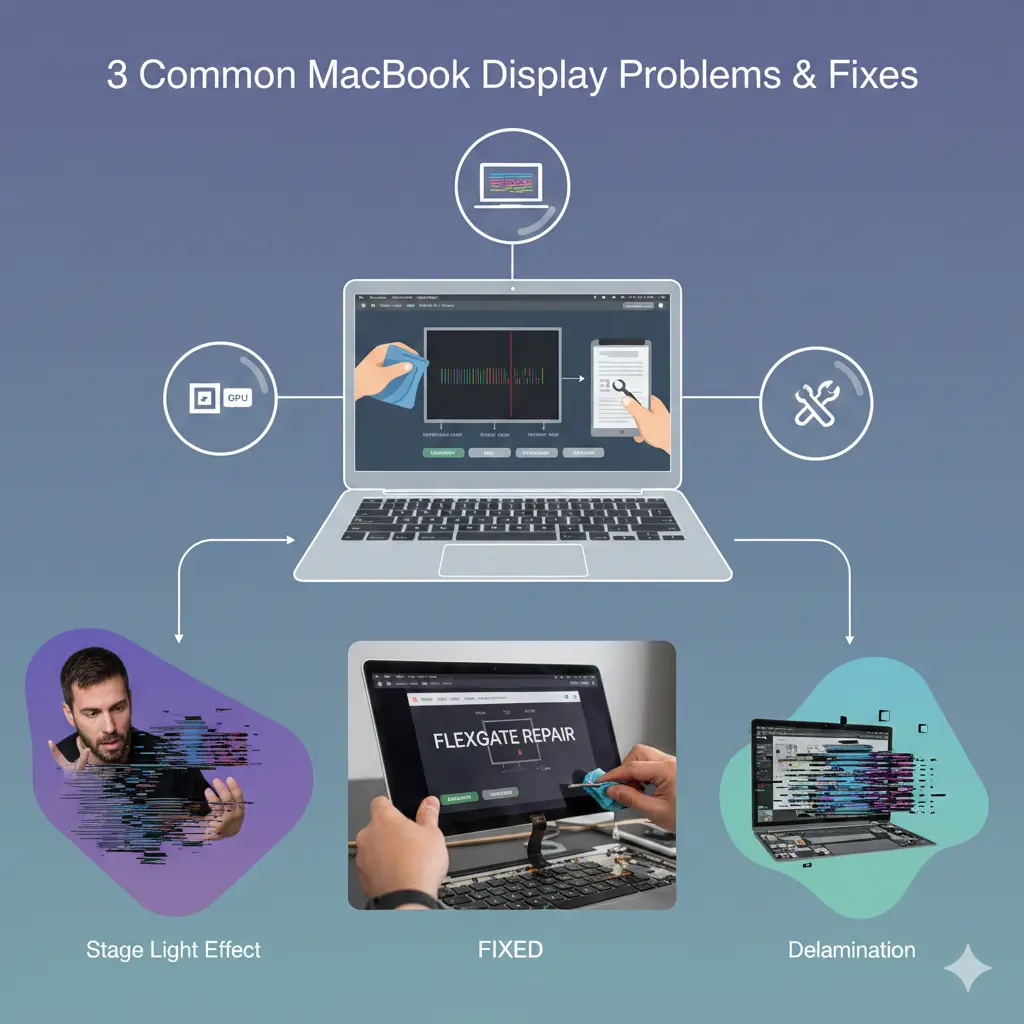
3 Common MacBook Display Problems and Fixes: What You Need to Know
If you’re experiencing display issues with your MacBook, you’re not alone. Display problems are among the most frustrating issues MacBook users face, and understanding what’s happening with your screen is the first step toward getting it fixed. Let’s dive into the three most common display problems we see in our repair center and what can actually be done about them.
1
Lines on Display (Horizontal or Vertical)
What It Looks Like:
You might notice thin or thick lines running across your MacBook screen—either horizontally or vertically. These lines can be colorful, white, or black, and they often appear suddenly. Sometimes they’re static, other times they flicker or move when you adjust the screen angle.
What Causes This:
In most cases, lines on the display are caused by a faulty display flex cable or issues with the LCD panel itself. The flex cable connects your display to the logic board, and repeated opening and closing of your MacBook can wear it out over time. Sometimes, it’s also due to pressure points on the LCD or internal component failure.
Your Repair Options:
Here’s where it gets interesting. While a full display replacement is the most reliable solution, we also offer a repair attempt that targets the specific cable or connection issue. This repair option comes at a significantly lower cost—but there’s a catch. Our success rate with this repair is around 70%, and we provide a 10-day warranty on the work.
What We Recommend:
If you’re looking for a guaranteed, long-term solution, display replacement is your best bet. However, if you’re budget-conscious and willing to take a calculated risk, the repair attempt is worth considering. We’ll always be upfront with you about what makes sense for your specific situation.
2
White Band or Black Band on Display
What It Looks Like:
A horizontal band—either white or black—appears across a portion of your screen. This band typically stays in one position and doesn’t move. The rest of your display might work perfectly fine, but this band disrupts your viewing experience and can make certain areas of the screen unusable.
What Causes This:
This issue is usually related to the display’s internal ribbon cables or a partial failure in the LCD panel itself. It can also occur due to liquid damage, pressure damage during transport, or manufacturing defects that show up over time. MacBook Pro models from 2016-2019 seem particularly prone to this issue.
Your Repair Options:
Similar to the lines issue, we can attempt a targeted repair that addresses the internal cable connections. This is much more affordable than replacing the entire display assembly. However, this repair also comes with that 70% success rate and 10-day warranty.
Important to Know: For MacBook displays, you should know that there are two replacement options available: a full assembly (which includes the display, casing, and all components) or just the display panel itself. The full assembly is more expensive but ensures everything is brand new. Just replacing the display panel is more economical and works well in most cases.
What We Recommend:
If the band is affecting your productivity significantly, we generally suggest considering replacement for peace of mind. But if you want to try the more affordable route first, we’re happy to attempt the repair—just know the limitations upfront.
3
Stage Light Effect
What It Looks Like:
The “stage light” effect is exactly what it sounds like—bright spots or patches of light appear along the bottom edge of your screen, similar to stage lighting. This issue is most noticable when you have dark backgrounds or are in a dimly lit environment. It can start small and gradually get worse over time.
What Causes This:
This problem is primarily seen in MacBook Pro models with the butterfly keyboard design (2016-2019). It’s caused by the display’s backlight flex cable getting damaged from the repeated stress of opening and closing the lid. The cable is routed through a very tight space, and over time, it wears out and creates these bright spots. Apple even had a repair program for this issue on certain models.
Your Repair Options:
The stage light effect can sometimes be addressed by repairing or repositioning the backlight cable. Again, this is our 70% success rate repair with a 10-day warranty. It’s definitely worth attempting if you’re looking to save money.
If the repair attempt doesn’t work or if you want a permanent fix, display replacement is necessary. And remember—you can choose between full assembly replacement (more expensive, everything new) or just the display panel (more affordable, good results).
What We Recommend:
Since this issue tends to get progressively worse, we usually recommend replacement if you rely heavily on your MacBook for work. However, if you catch it early and want to try the repair first, that’s a viable option too.
What About Physical Damage?
Now, let’s address the elephant in the room: if your display is physically cracked or broken, replacement is your only option. There’s no repairing a shattered screen or cracked LCD panel—it needs to be replaced entirely.
The good news? You still have options on the type of replacement:
- Full Assembly Replacement: This includes the entire display unit with casing, hinges, cables, and camera. It’s more expensive but guarantees everything is brand new and perfectly fitted.
- Display Panel Only: This option replaces just the LCD screen itself while keeping your existing display assembly. It’s significantly more affordable and works great for most situations.
We’ll help you understand which option makes the most sense based on your MacBook model and the extent of the damage.
Our Honest Recommendation
Look, we’re not here to push the most expensive option on you. Our goal is to fix your MacBook in a way that fits your needs and budget.
For guaranteed results and long-term reliability: Display replacement (either full assembly or panel only) is the way to go.
For budget-conscious customers: The repair attempt is worth considering. Yes, there’s a 30% chance it might not work, but with our 10-day warranty and significantly lower cost, many customers find it’s worth the risk.
For physical damage: Replacement is your only option—but you can choose between full assembly or just the panel based on your budget.
Whatever you decide, we’ll be transparent about what we can do, what the risks are, and what results you can realistically expect. Your MacBook deserves honest service, and so do you.
Have Questions About Your Specific Display Issue?
Feel free to reach out—we’re here to help you make the best decision for your situation and budget.